Context
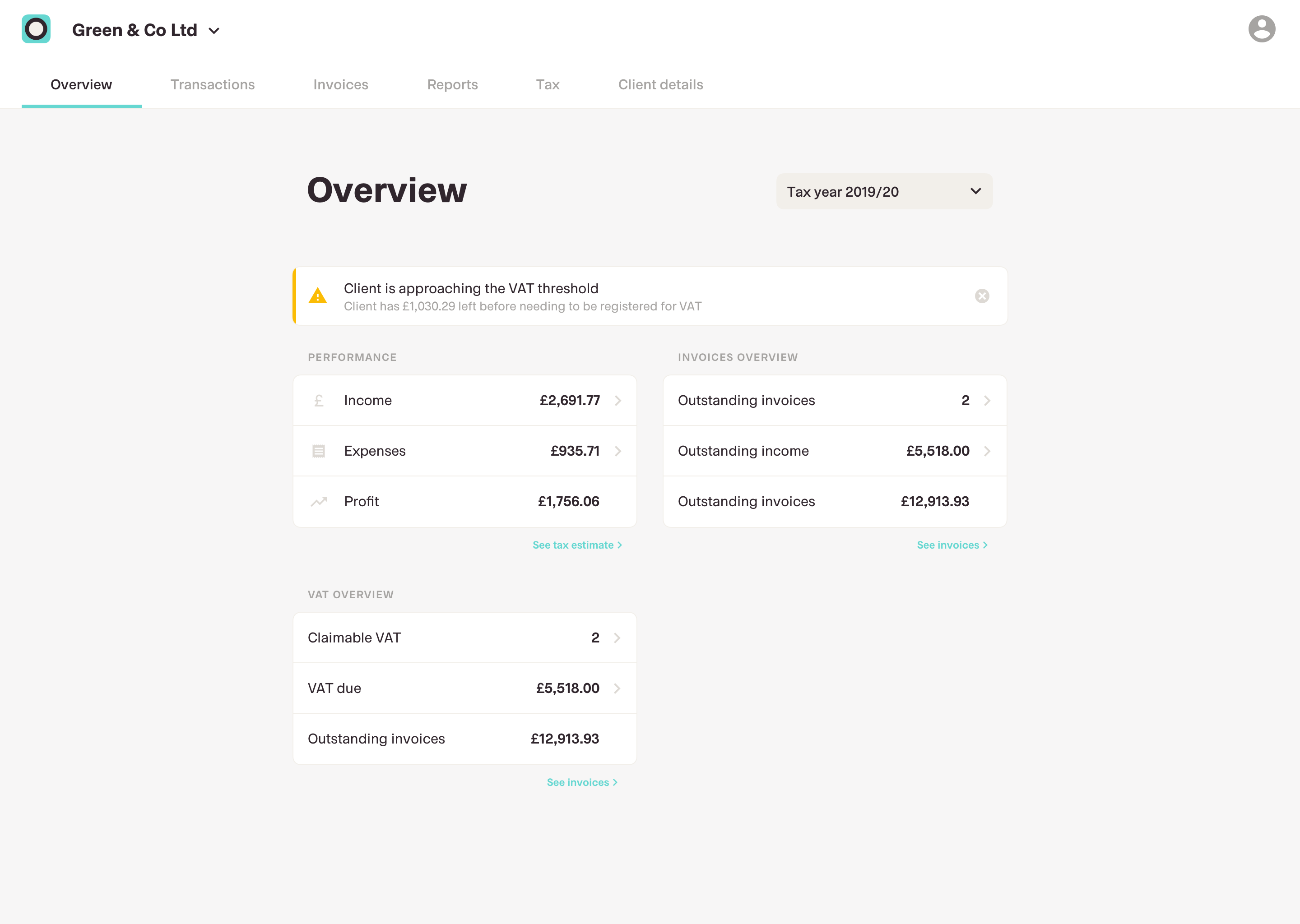
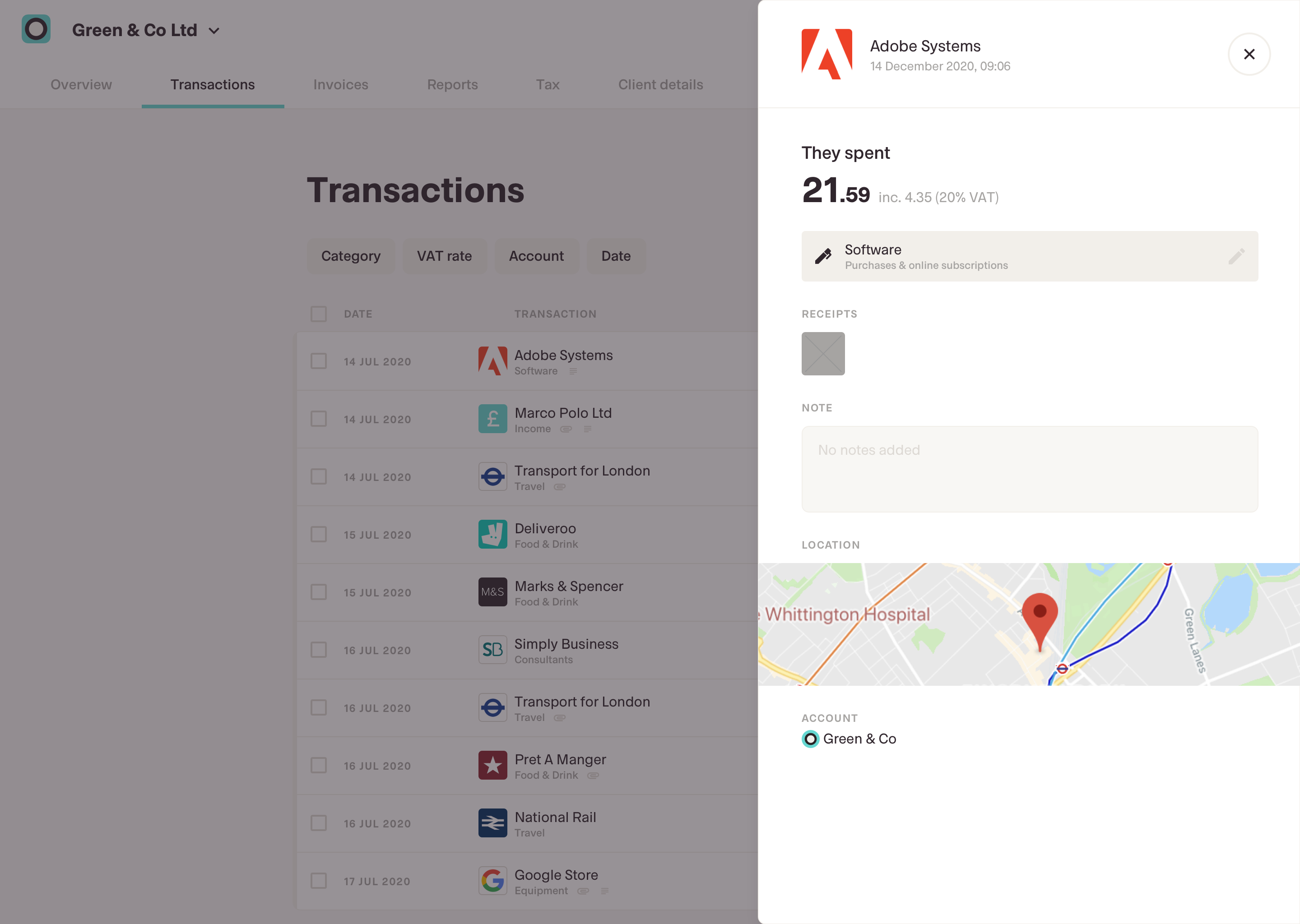
The Accountant Portal streamlines the accountant’s workflow when preparing client data by giving real-time access to client transaction data. It also simplifies the user’s life by removing the need to send data manually.
However, in its initial form it was more of a proof of concept. It lacked many of the features that would make it truly useful to an accountant to be considered an integral part of their workflow, and as a result saw little adoption.
Hypothesis
By expanding the capability of the Accountant Portal, we would allow accountants to see a clearer picture of their client’s finances without the need to export the data into an Excel spreadsheet to see it.
This would result in increased adoption of the Accountant Portal by accountants and make it a key acquisition tool for new Coconut users as accountants bring more of their clients onboard.
Approach
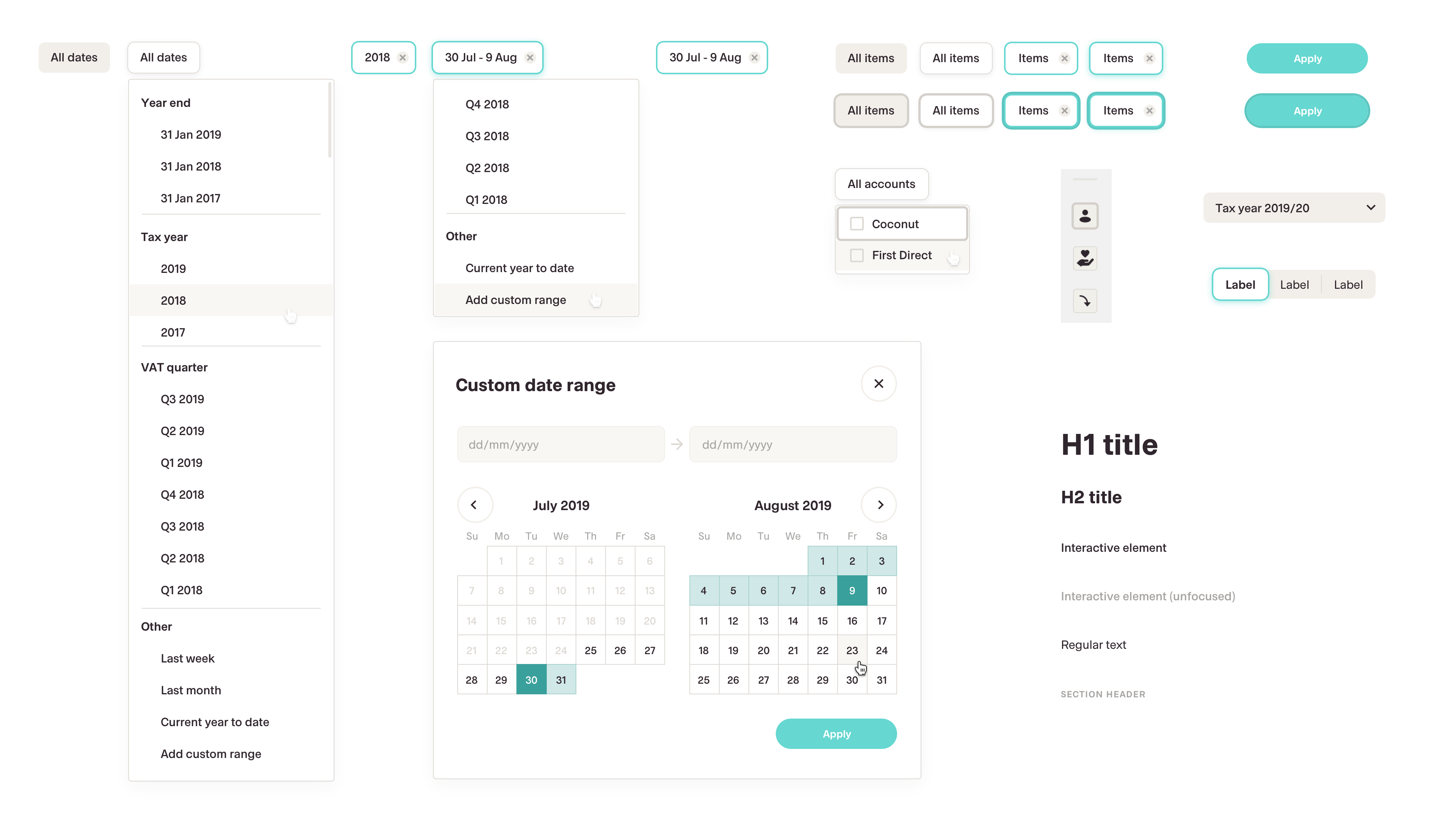
The portal redesign would give Coconut the opportunity to flex its app design system to larger screen sizes, putting Coconut in good stead when creating a web portal for users in the future. To build out the design system, we decided replicate the functionality of the app as a testing bed. We would then prioritise what would be built as part of the first version later.

Design system
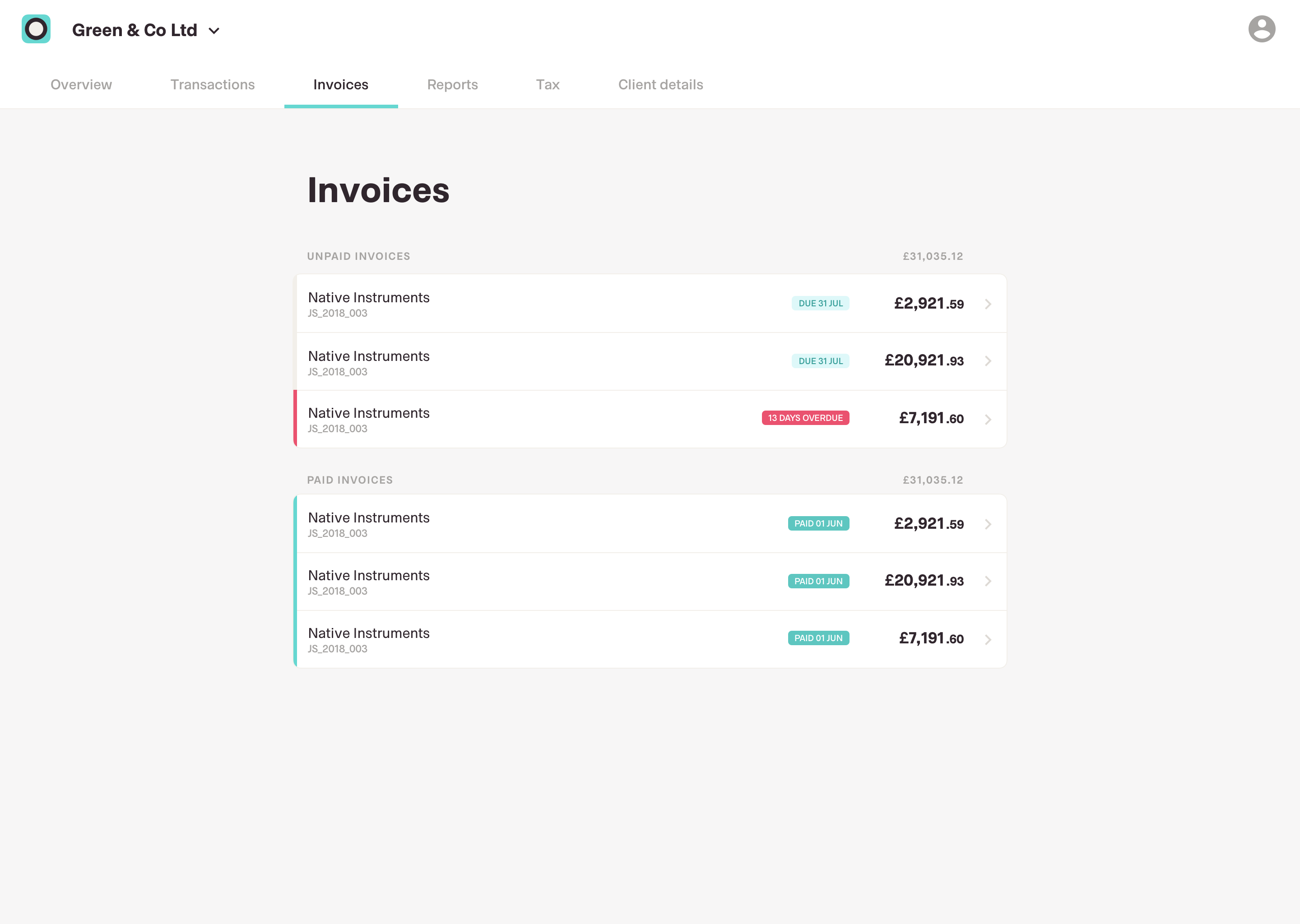
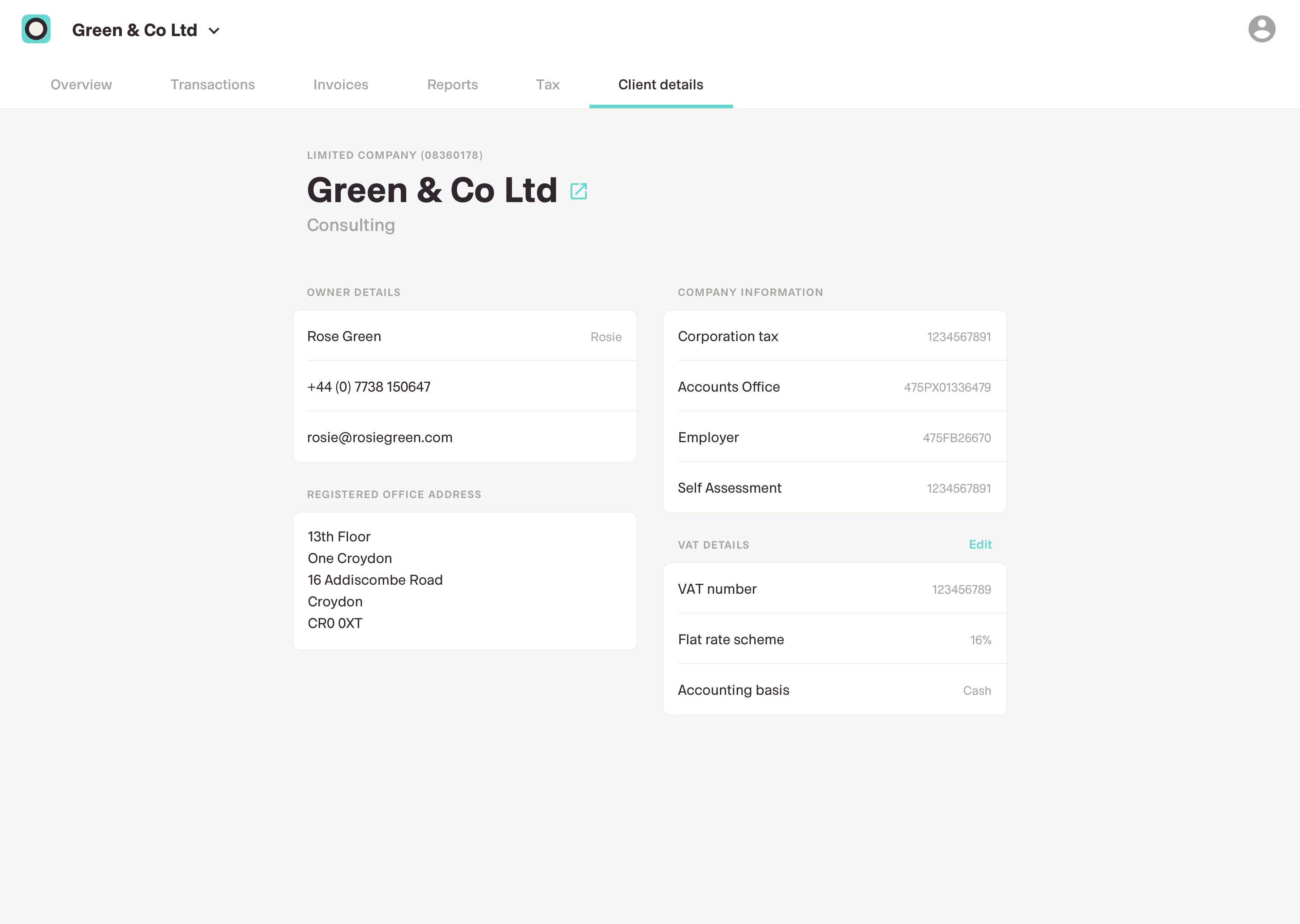
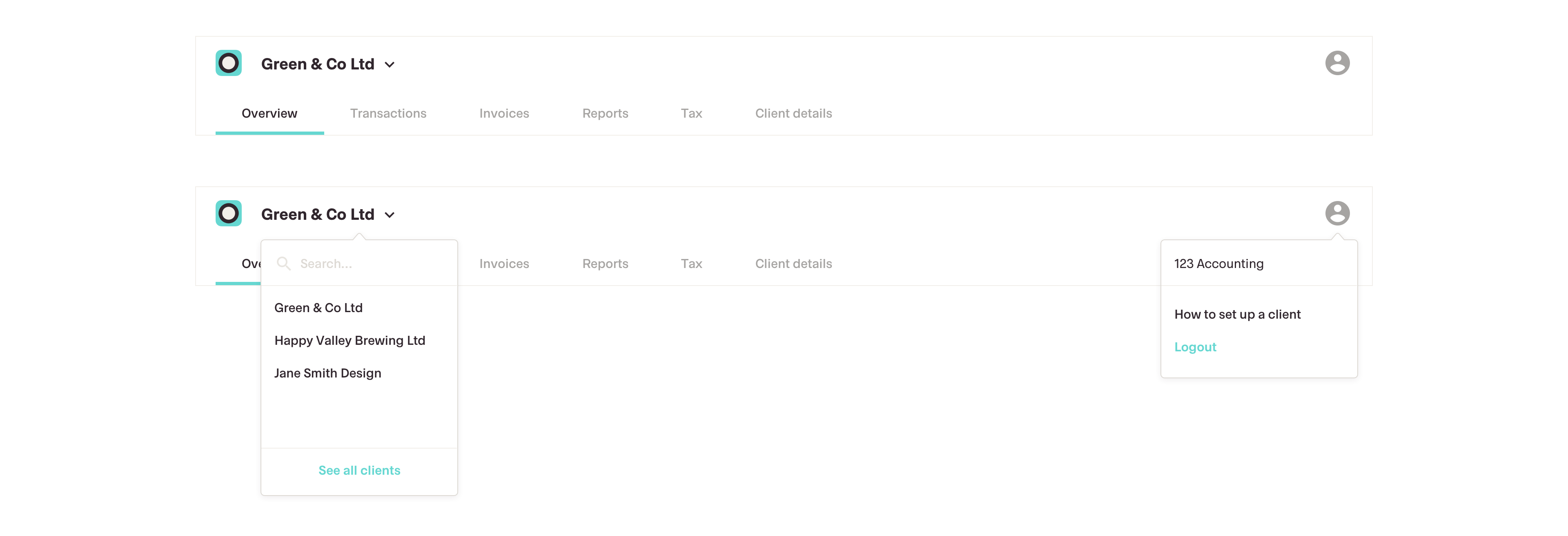
The previous portal had only 2 pages; a client selection page and a subsequent page that contained client details and all transactions. The new portal would require a new navigation that could handle multiple clients and multiple pages within each client.

Main screens